
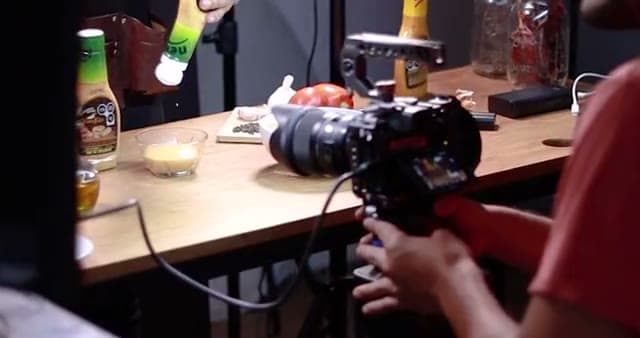

Plan the campaign. Organise the media.
Keep briefs, references and source files together. Use fields to track each deliverable’s status.
Plan a campaignPlan campaigns, organise photos and videos, review edits, and publish with Buffer. Your team and agents work from the same project.
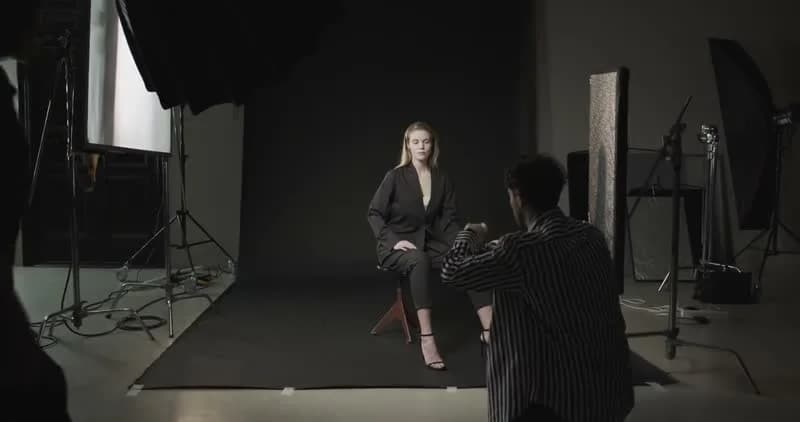 V1
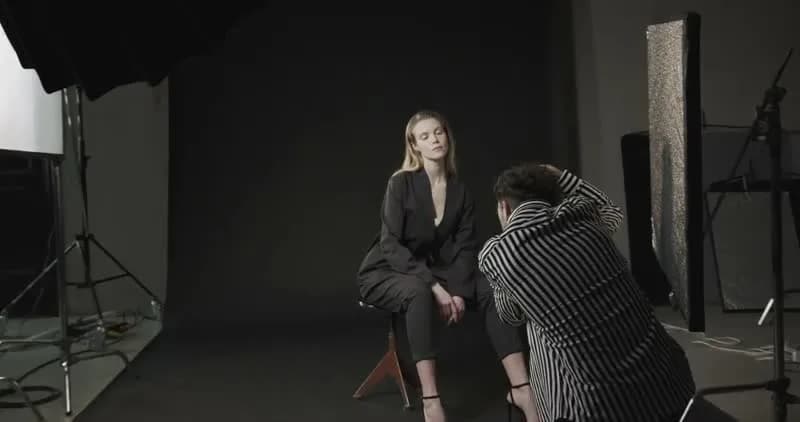 V2
 Maya00:05
@editor Create two short-form videos from this cut.
 Short 100:15 · 9:16
 Short 200:30 · 9:16
 Rahul
@auto Schedule this on LinkedIn.

 LinkedIn · FrootyTomorrow, 10:00 AM
Keep the plan, source files, review notes and approved content in one project.
Keep briefs, references and source files together. Use fields to track each deliverable’s status.
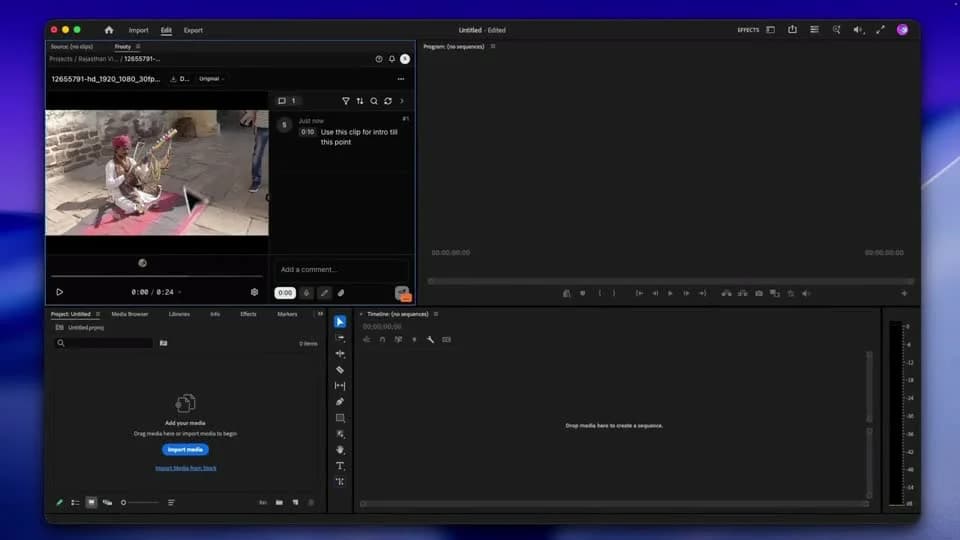
Plan a campaignLeave time-stamped comments or draw on the frame. Keep feedback attached to the version under review.
See review tools
 Approved in Frooty
 Publishing queue

Made for your everyday.
2 connected channelsCheck the media, caption and channels, then schedule or queue the post through Buffer.
See Buffer publishingSHARED PROJECT CONTEXT
Keep the brief, references and review notes with the work. Reuse that context when you ask for the next edit.
 The next creationContext included
@editor Create three shorts using the opening we picked.
Uses the selected source, opening and vertical format.
Ready for your reviewASK WITH AN @MENTION
Ask for an idea, image, edit or caption.
Review the result with your team.
@editorCut & caption@editor Make 3 shorts from this video.
 @creatorMake something new
@creator Create images for our Christmas campaign.
 @director
 Plan the story for our Christmas campaign.
A small gift. A big feeling.
 @organiser
 Organise the campaign by status and find the latest cuts.
| Asset | Status | Version |
|---|---|---|
| Launch film | In review | V3 |
| Social teaser | Approved | V2 |
| Gift close-up | In review | V1 |
 @marketer
 Write a LinkedIn caption for this cut.
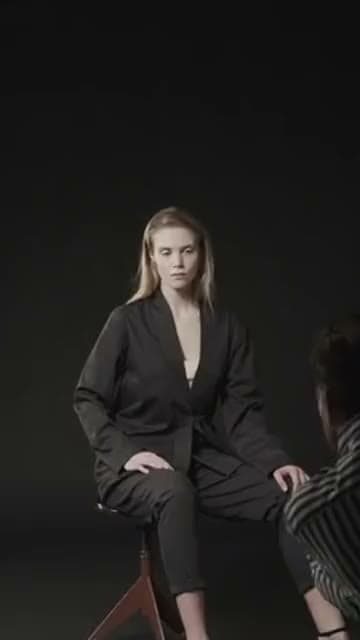
A little behind the scenes.@auto Turn this footage into a short clip.
Agent features are in beta. Available actions depend on your connected tools.
Meet your creative crewAccess project media, captions and review notes through Frooty’s editor extensions.

Access project media, captions and review notes beside your timeline.
Explore extension
Open project media and feedback from the Adobe panel.
Explore extension
Connect your Resolve projects with Frooty’s media and review tools.
Explore extension
Bring supported edits into Final Cut Pro with FCPXML.
Explore extensionQUESTIONS ABOUT FROOTY
YOUR NEXT PROJECT STARTS HERE



@rahul Nice work! Can we add it to the intro?