Skip to content
Skip to workflow

PLAN, CREATE, REVIEW & PUBLISH

From brief
to published.

Plan the campaign. Create and review the content.
Schedule approved posts through Buffer.

Get started free

From scattered files to scheduled posts.

One campaign.
One shared project.

Start creating free 5 GB free · 2 members · No credit card
  1. 01Organise
  2. 02Generate
  3. 03Make shorts
  4. 04Edit
  5. 05Review
  6. 06Schedule
Skip to workflow details Illustrated workflow · sample media
THE WORKFLOW

Follow one campaign
from brief to post.

EXPLORE THE WORKSPACE Choose a stage to see what happens next.

Plan the campaign

Write the brief, list the deliverables and attach references. Give your team a clear plan before production starts.

Explore campaign planning
1 / 7
frooty.The studio campaignWorkflow preview
CREATIVE BRIEF

Studio launch

Goal: introduce the studio.
Deliverables: 1 film + 3 shorts.

  • Meet the studio team
  • Behind the scenes
  • Show the finished work
Channels: Instagram + LinkedIn
Brief + shot list + references
A FROOTY WORKFLOW

The footage behind
this campaign.

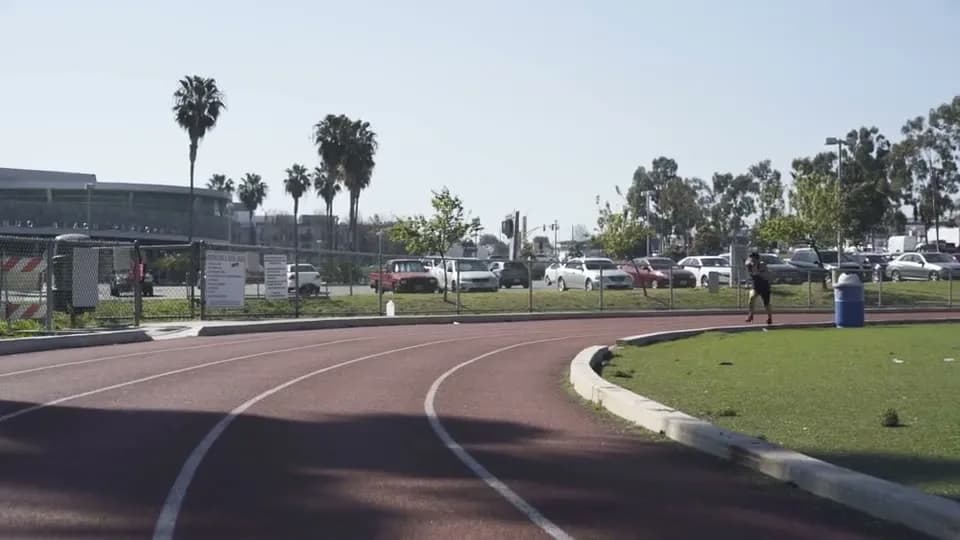
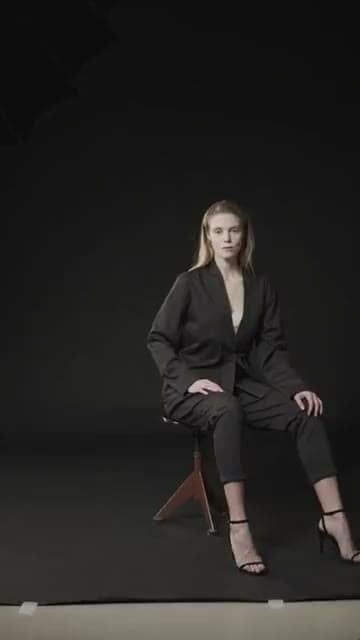
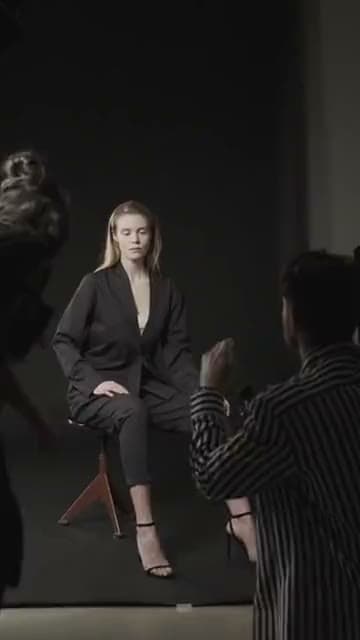
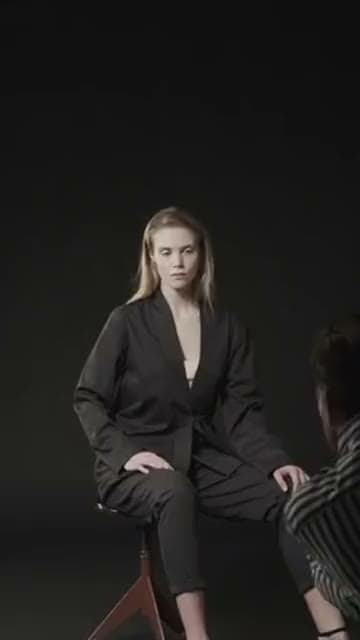
Sample source footage for the campaign shown above.

01. BRING IT TOGETHER

Plan the campaign
before production starts.

Write the brief and shot list in a project page. Add references and source media, then use fields and statuses to track the work as it moves into production.

Shared projectsMedia libraryCreative briefs
Explore campaign planning
frooty.The studio campaignWorkflow preview
CREATIVE BRIEF

Studio launch

Goal: introduce the studio.
Deliverables: 1 film + 3 shorts.

  • Meet the studio team
  • Behind the scenes
  • Show the finished work
Channels: Instagram + LinkedIn
Brief + shot list + references
02. MAKE THE NEXT CUT BETTER

Review each version
with your team.

Share a review link, collect frame-specific feedback and upload the next version. Your editor can follow the discussion without a separate email thread.

Editing extensionsFrame commentsVersion history
Explore review tools
frooty.The studio campaignWorkflow preview
Studio film · v300:12 / 00:30
1
M
Maya 00:12

Hold this shot for two more seconds.

Reply · Resolve
Feedback saved on Version 3
03. PUT IT OUT IN THE WORLD

Publish approved content
through Buffer.

Prepare posts from the campaign’s approved media. Check the caption, choose connected channels and send each post now, at a scheduled time or in the next queue slot.


Connected channelsPost preparationScheduling
Explore Frooty × Buffer
frooty.The studio campaignWorkflow preview
Buffer

Schedule the
approved post.

Choose the caption,
channel, and timing.

Media attached Caption prepared Connected channel
Schedule with Buffer
EXPLORE A TASK

What do you need to make?

Choose an example to see the workflow.

Ready when you are.

Start a project.
Bring your team.

Keep your campaign brief, media, edits and posts together.

5 GB free · 2 members · No credit card