


Ideas & scripts
Find your next
big idea.
Designed to turn footage into ideas and scripts.
 Frooty

Plan, generate, edit, and refine with your AI production crew. Shape every post for its channel. Take the story social with Buffer.
Workflow concept · Buffer integration in development
Made in Frooty. Shaped for social.
The right words. The right format. A preview that feels like the channel. Explore the composer with a little sample content.
A different voice for every channel
Post type

Try a channel, edit the caption, or switch the format.
Instagram · Frooty StudioPOST
Frooty Studio
@frootystudio
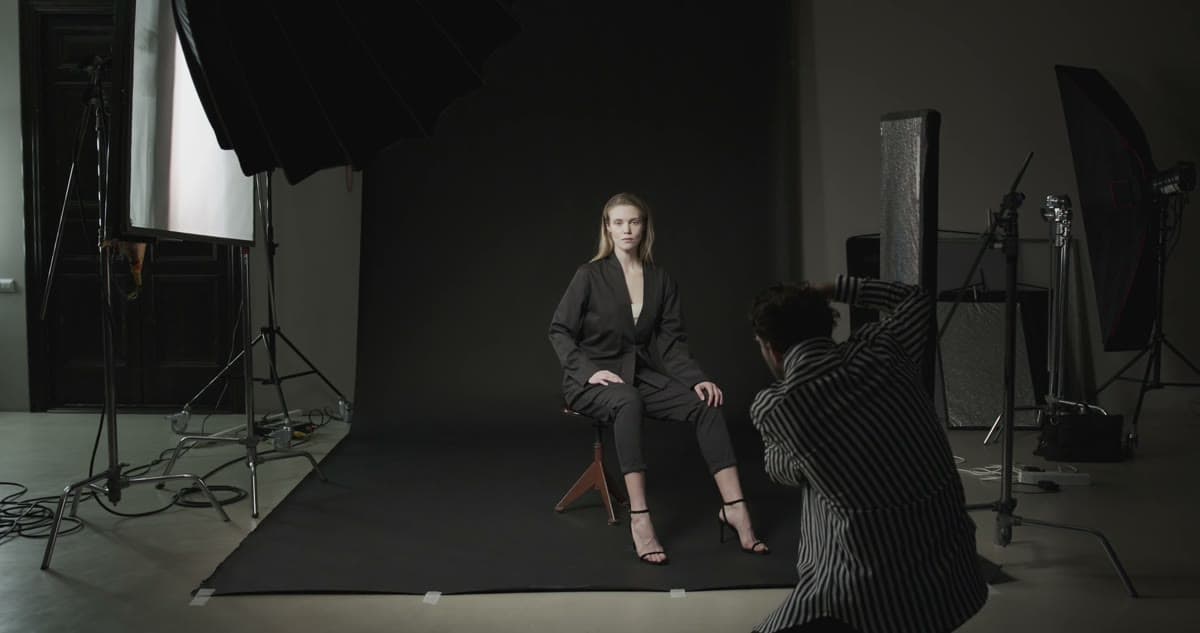
The story behind the story. A little studio magic, made together. ✨
#MadeInFrooty #BehindTheScenes
Channel previews and scheduling tools are part of Frooty. Publishing through Buffer is in development.
A rhythm for the whole campaign
The hero film, the behind-the-scenes cut, the next little teaser. See how they fit together, then get specific about the date, time, and timezone.
Find its moment
YouTube · Frooty Studio
Pick a sample post and explore its date, time, and timezone.
The idea: one campaign view in Frooty, with Buffer as your publishing destination.
Explore the roles below
Preparing the production studio…
Ideas & scripts
Designed to turn footage into ideas and scripts.
Media & context
Keeps your media, feedback, and creative context together.
Plans & coordination
Turns your creative direction into a production plan.
Cuts & finishing
Designed to carry approved edits into your timeline.
Content & publishing
Prepares your content for each channel.
Tool ecosystem · illustrative workflow
 Runway
 Kling
 FLUX
 Gemini · Veo / Imagen
The whole process, connected
Your ideas, your assets, your people, your taste. Frooty carries the creative work. Buffer would carry it to your audience.
Keep briefs, references, footage, and project context together. Give your team a common starting point for the work.
Explore supported AI image, video, and audio generation tools alongside the assets you’ve already made.
Create clips and captions. Bring supported, approved edit plans into Premiere Pro or Resolve with a compatible panel and beta access.
Review versions, leave feedback on the exact frame, and turn creative direction into a clearer next cut.
With learning enabled, ongoing team preferences can become project memory. Inspect, edit, or undo what’s learned.
Shape the title, caption, and format for each channel. The planned Buffer connection would carry the finished story into your publishing queue.
A little more context
Frooty × Buffer
A workflow concept for Buffer Commit.